Best Accounting Software for Small Businesses: What to Look For $ $
A practical framework for choosing accounting software — the features that actually matter, and how to avoid outgrowing your choice in a year.
There’s no single “best” accounting software for every small business — the right pick depends on your business model, team size, and how complex your finances are. Rather than chasing a ranked list, it helps to know what to actually evaluate. Here’s what matters most, and where popular tools tend to differ.
What Accounting Software Actually Does
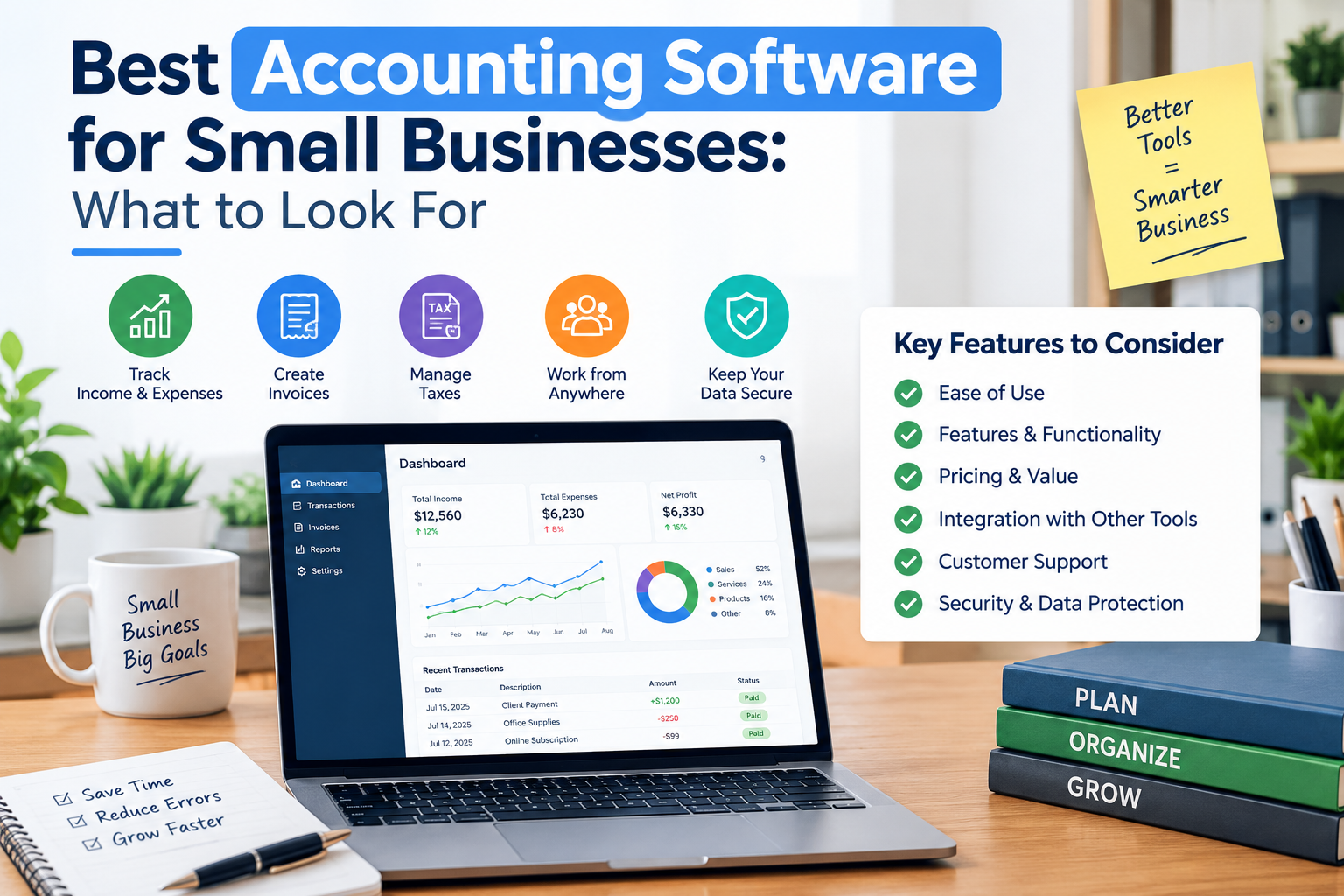
At the core, every accounting platform automates the same basic job: it connects to your bank and credit card accounts, pulls in transactions, and categorizes them so you’re not doing it by hand. From there, most platforms build out a similar set of core features:
- Invoicing — creating and sending invoices, often with automatic payment reminders
- Expense tracking — categorizing spending, often with receipt-scanning via photo
- Bank reconciliation — matching your books against actual bank statements
- Financial reports — profit and loss statements, balance sheets, cash flow reports
- Tax preparation support — organizing data for filing and estimating quarterly payments
The differences between platforms show up in how well they execute these basics, and what they layer on top — payroll, inventory, multi-currency support, project tracking, or integrations with the other tools you already use.
The Factors That Actually Matter
1. Your Business Type
A freelancer invoicing a handful of clients has very different needs than a retailer tracking inventory across locations, or a business owner who wants their business and personal finances managed side by side. Start with your business model, not a features list — it narrows the field fast.
2. Double-Entry vs. Simplified Accounting
Double-entry accounting (where every transaction is recorded in two accounts) is the standard for anything beyond very simple bookkeeping, and most accountants expect it. If you plan to work with a CPA or bookkeeper, or you run more than one line of business, double-entry support isn’t optional.
3. Scalability
Migrating accounting platforms later is disruptive — historical data, integrations, and staff training all have to move with you. It’s worth checking, before you commit, whether the software has a growth path (payroll add-ons, multi-user access, inventory management, more advanced reporting) rather than a hard ceiling you’ll hit in a year.
4. Integrations
Accounting software rarely operates alone. Check whether it connects cleanly with your point-of-sale system, payment processor, e-commerce platform, payroll provider, and the bank you actually use. A tool with great features but poor integrations can end up creating more manual work, not less.
5. Pricing Structure
Watch for two things in particular: transaction or user limits on lower-priced tiers (some “starter” plans cap the number of invoices or bank reconciliations per month), and whether payroll, additional users, or advanced reporting are separate paid add-ons. The advertised starting price is rarely the full picture.
6. Support and Ease of Use
If you’re not planning to hire a bookkeeper, the software’s learning curve matters a lot. Look at the quality of onboarding, whether support is live (phone/chat) or email-only, and how active the user community or knowledge base is when something goes wrong.
Quick gut-check: If you can’t clearly answer “what would it cost, and what would break, if I doubled my transaction volume on this plan next year?” — you don’t have enough information yet to commit.
A Few Categories Worth Knowing
Rather than a single “best” list, it’s more useful to think in categories, since different platforms are built for different priorities:
| Category | What to Expect |
|---|---|
| Full-featured, established platforms | Broad feature sets, strong integration ecosystems, and the most familiarity among accountants and bookkeepers — but often the highest cost as you scale. |
| Free or low-cost starter tools | Solid for very simple bookkeeping needs, often light on advanced reporting, inventory, or dedicated support. |
| Invoicing-first platforms | Built around client billing and time tracking, with accounting features that grew in around that core — a good fit for service-based freelancers and consultants. |
| All-in-one personal + business tools | Useful for sole proprietors who want business and personal finances in one dashboard, less suited to businesses with employees or complex reporting needs. |
Common Mistakes to Avoid
- Choosing based on price alone: the cheapest plan often has caps that force an upgrade within months.
- Ignoring your accountant’s preference: if you work with a CPA or bookkeeper, ask what they support — it can save on onboarding friction and errors.
- Skipping the integration check: discovering your payment processor doesn’t connect cleanly, after you’ve already migrated your data, is a costly mistake.
- Underestimating migration cost: switching platforms later means re-entering or exporting years of transaction history — a real cost that’s easy to underweight up front.
- Not testing with a free trial: most platforms offer one — actually enter a week of real transactions before committing.
The Bottom Line
The “best” accounting software isn’t a fixed answer — it’s the tool that matches your business model, your growth plans, and how you actually want to work. Start from your specific needs (invoicing-heavy? inventory-heavy? planning to add payroll?), check the pricing structure closely for caps and add-on costs, and confirm the integrations you rely on are actually supported. Get those three things right, and almost any of the well-established platforms will serve you well.
This article is for general educational purposes and isn’t financial or accounting advice. Software features, pricing, and availability change frequently — verify current details directly with each provider, and consult a licensed accountant for guidance specific to your business.