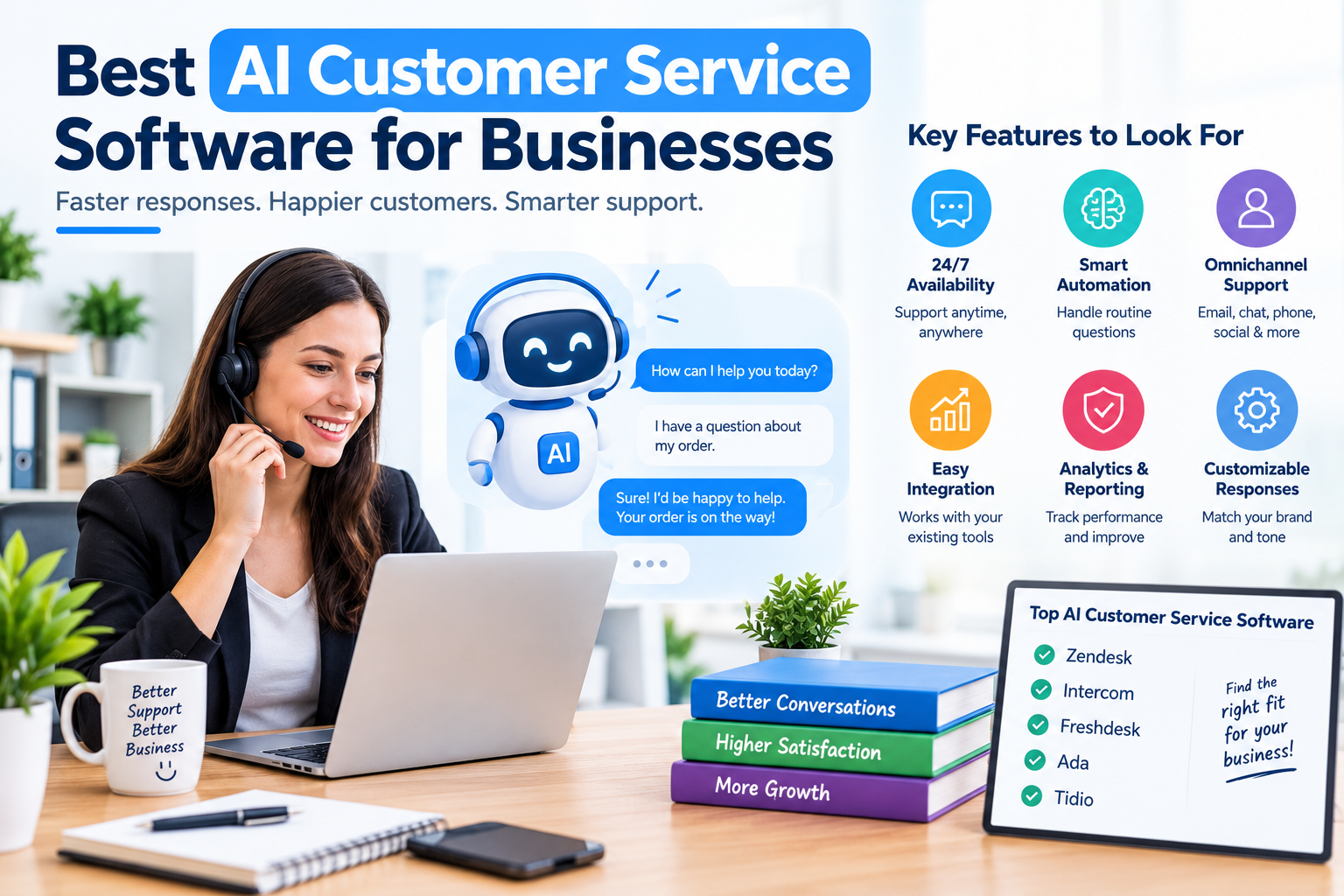
Best AI Customer Service Software for Businesses
What separates a genuinely useful AI support tool from a chatbot that frustrates customers — and how to evaluate your options.
AI customer service tools have moved well past simple “if this, then that” chatbots. Modern platforms can draft replies, summarize long conversation threads, route tickets intelligently, and in some cases resolve routine requests end-to-end without a human ever stepping in. But the category is broad, and the right tool depends heavily on your business size, support volume, and how much autonomy you’re comfortable giving an AI system. Here’s how to think about the decision.
What “AI Customer Service Software” Actually Covers
The term gets used loosely, but most platforms fall into a few functional buckets, and many tools combine several:
- AI chatbots / virtual agents — handle routine customer questions directly, often trained on your help center or FAQ content
- Agent-assist tools — draft or suggest replies, summarize conversations, and translate messages for human agents, rather than replacing them
- Intelligent routing and triage — automatically categorize and prioritize incoming tickets so they reach the right person
- Knowledge base generation — identify gaps in your help documentation and draft new articles automatically
- Analytics and sentiment tools — analyze support conversations at scale to surface trends, recurring issues, and customer sentiment
Some businesses want all of this in one platform; others are better served by adding a focused AI layer on top of a help desk they already use.
What to Actually Evaluate
1. How Much Autonomy the AI Has
There’s a real spectrum here — from tools that only assist human agents (drafting replies, summarizing threads) to fully autonomous agents that resolve tickets end-to-end without human involvement. Neither end is inherently better; it depends on your risk tolerance, the complexity of your support volume, and how comfortable you are letting AI make decisions on your customers’ behalf without review.
2. Where It Gets Its Answers From
An AI agent is only as good as what it’s trained on. Look closely at whether it pulls from your existing help center and documentation, how easily you can keep that source material updated, and what happens when it doesn’t have a confident answer — ideally, a clean handoff to a human with full context, not a dead end for the customer.
3. Omnichannel Support
Customers reach out over email, live chat, social messaging apps, and sometimes voice. Check whether the platform maintains context across channels — a customer shouldn’t have to re-explain their issue if they switch from chat to email.
4. Integration With Your Existing Stack
Most AI customer service tools sit on top of, or plug into, a help desk, CRM, or e-commerce platform. Confirm it connects cleanly with what you already use — your CRM, order management system, or existing ticketing tool — rather than requiring you to migrate everything at once.
5. Transparency and Trust
Ask how the vendor handles cases where the AI is uncertain, whether responses are grounded in your actual documentation (reducing the risk of confidently wrong answers), and how customer data is handled and secured. For anything customer-facing, “hallucination risk” isn’t a hypothetical — it’s a real cost if the AI gives a wrong policy answer with confidence.
6. Pricing Model
Pricing varies more than in most software categories — some tools charge per agent seat, others per resolution or conversation handled by AI, and some bundle AI features into existing help desk plans. Get clear on which model applies before comparing sticker prices, since a “per resolution” tool can look cheap per-unit but scale unpredictably with volume.
Quick gut-check: If a customer’s question falls outside what the AI knows, does it say so and hand off cleanly — or does it guess? That single behavior tells you more about a platform’s reliability than almost any feature list.
A Few Categories Worth Knowing
| Category | What to Expect |
|---|---|
| Established help desk platforms with AI layered in | Broad feature sets, deep integration ecosystems, and support for gradually introducing AI alongside existing human workflows — often the safest starting point for teams new to AI support. |
| Small-business-focused chatbot tools | Lower cost, faster setup, and a narrower focus on automating common questions across chat and messaging channels. |
| Enterprise-grade autonomous agents | Built for high support volume and multilingual deployment, often with more configuration required around business rules, authentication, and compliance. |
| E-commerce-specific tools | Built around order status, returns, and storefront data, tuned specifically for online retail support questions. |
| Analytics and insight add-ons | Don’t handle conversations directly, but analyze existing support tickets to surface sentiment trends and recurring issues. |
Common Mistakes to Avoid
- Deploying full autonomy on day one: most successful rollouts start with AI assisting human agents, then expand to autonomous resolution for well-understood, low-risk requests.
- Leaving the knowledge base stale: an AI agent trained on outdated documentation will confidently give outdated answers.
- Ignoring the escalation path: if handoffs to a human lose context, customers end up repeating themselves — which erases most of the efficiency gain.
- Choosing based on demo polish alone: ask for a trial with your own real support tickets and documentation, not just the vendor’s curated demo.
- Underestimating the pricing model’s effect at scale: a per-resolution or per-conversation price can shift the total cost significantly as volume grows — model it out before committing.
The Bottom Line
There’s no universal “best” AI customer service platform — the right choice depends on your support volume, how much autonomy you want to hand to AI, and what you’re already using for help desk or CRM. Start by defining how the AI should behave when it’s uncertain, confirm it integrates with your existing tools, and pilot it with real customer questions before rolling it out broadly. Get those right, and most of the well-established platforms in this space can deliver real efficiency gains.
This article is for general informational purposes. AI customer service software features, pricing, and capabilities change frequently — verify current details directly with each vendor before making a purchasing decision.